When you sponsor a child, you want to know how they’re doing. How is school going? What has changed since the last update? And where can you find the details of your sponsorship?
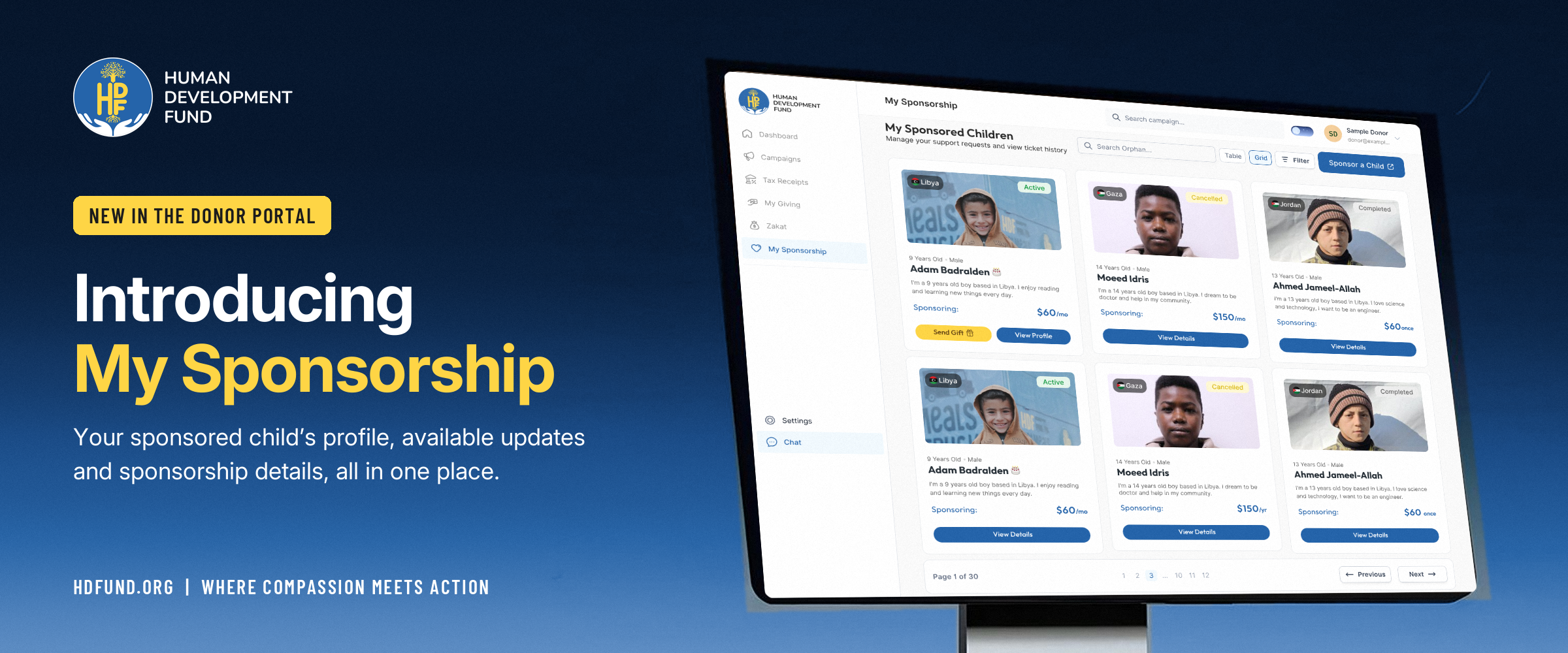
The new My Sponsorship section in MyGiving, Human Development Fund’s donor portal, brings your sponsored children’s profiles, available reports and sponsorship details together. It is now live, giving you one place to return to when you want to check in.
Get to know the child you sponsor
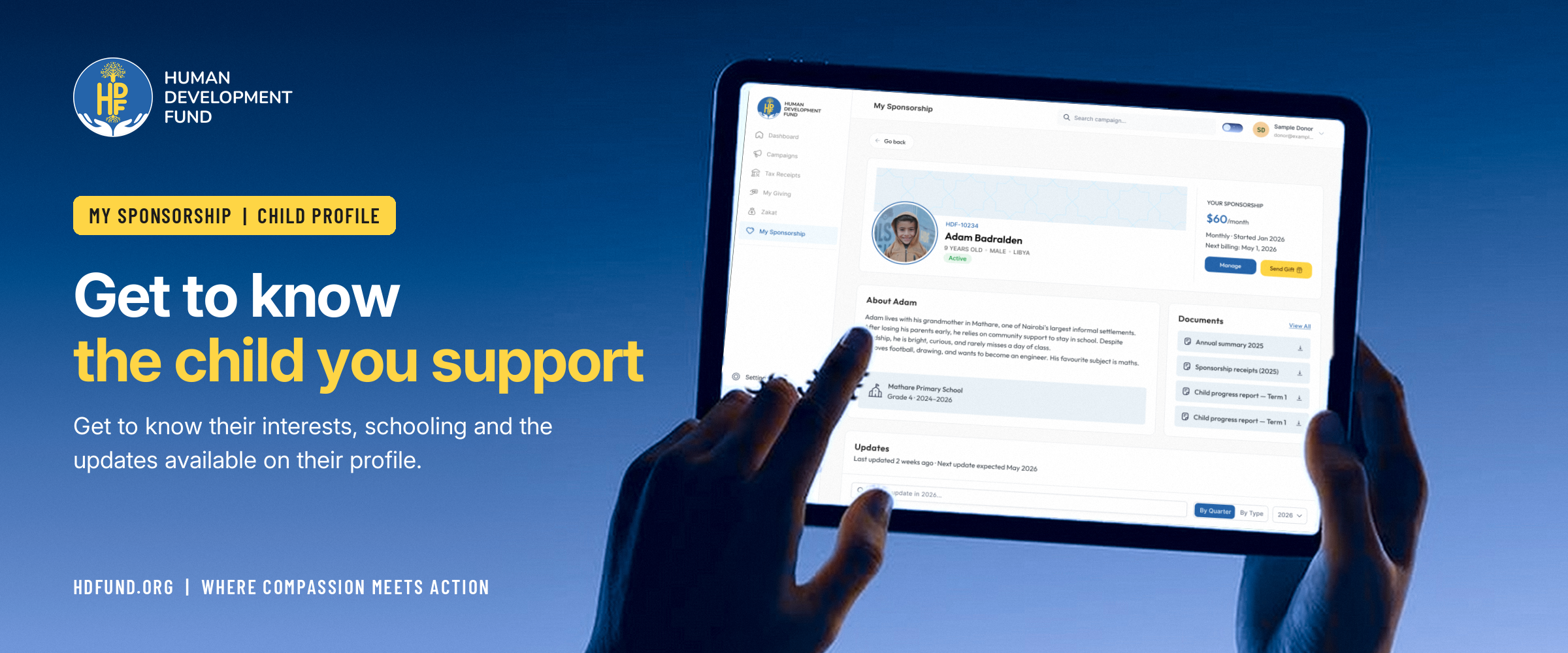
Open My Sponsorship to see the children you sponsor, then select a child to view their profile. You can find details such as their age, schooling and interests, where these have been added by the team.
These details help you get to know the person behind your sponsorship. If you sponsor more than one child, you can move between their profiles from the same section.
Read updates as they become available
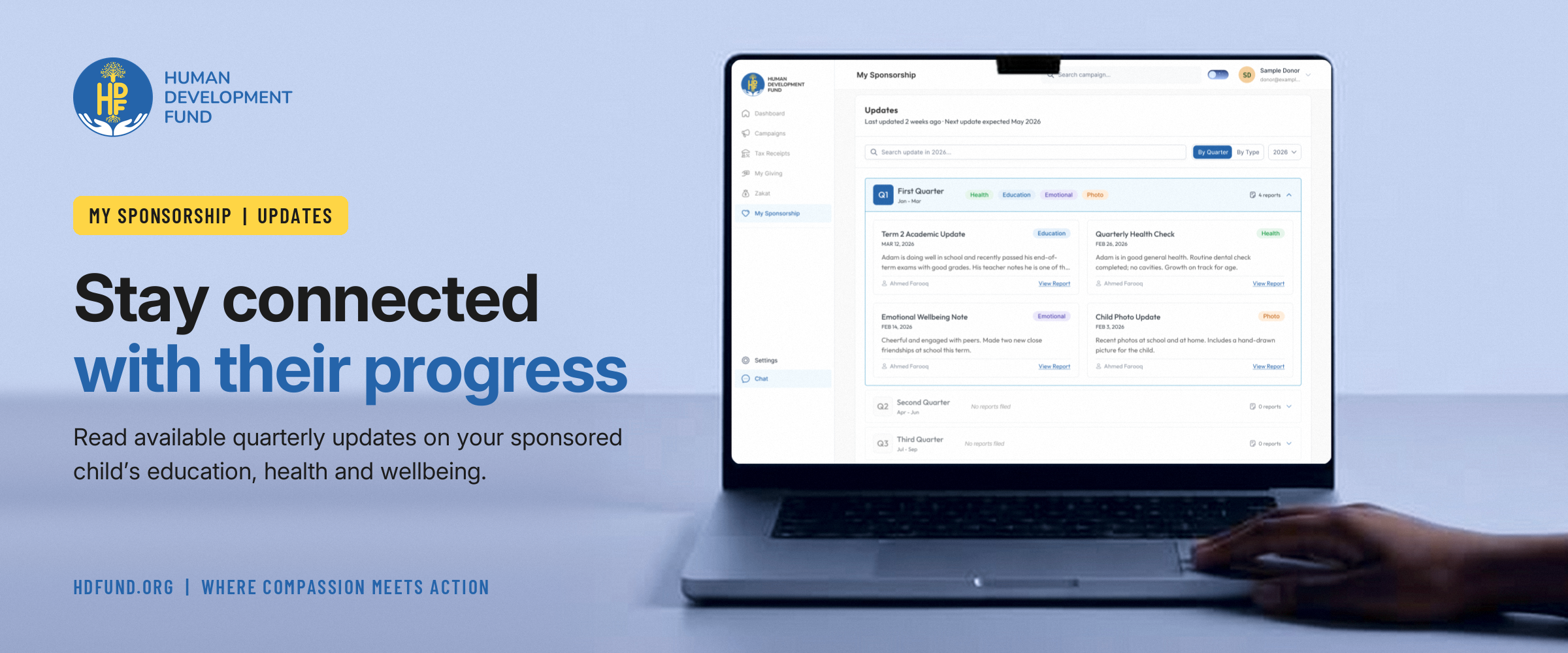
For monthly sponsors, the reports section brings together published updates about the child they support. You can read the latest available report and revisit earlier updates to follow changes over time.
Reports are prepared at the end of each quarter. The team publishes the information available for each child, so the topics and level of detail may vary from one update to another.
If there is no report available yet, the reports section will show that. You can return later to check for a published update.
Keep track of your sponsorship
Alongside each child’s profile, you can find your sponsorship details, including your monthly amount, start date, next billing date and contributions so far.
Having these details beside the child’s updates makes it easier to keep track of both your commitment and the news you came to read.
Open My Sponsorship
- Visit MyGiving.
- Enter the email address you used for your sponsorship.
- Check your inbox for a one-time code and use it to sign in. There is no password to remember.
- Select My Sponsorship from the menu and open a child’s profile.
Your sponsorship is an ongoing commitment to a child. We want it to be easier for you to stay connected with their updates, wherever you are.